How do I see my clipboard history on Mac?
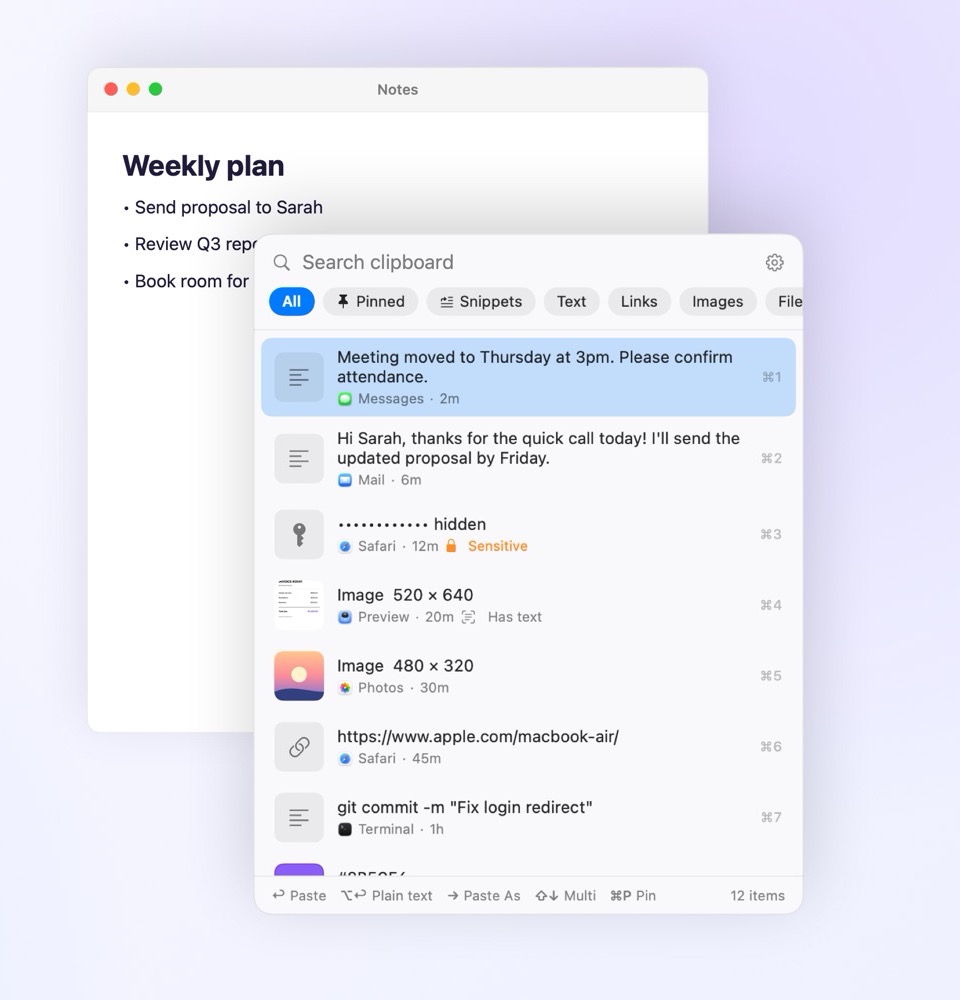
With Pastora running, press ⌘⇧V in any app. Your history opens where you're typing. Pick an item and press Return to paste it. You can change the shortcut in Settings.
How is it different from the Spotlight clipboard in macOS Tahoe?
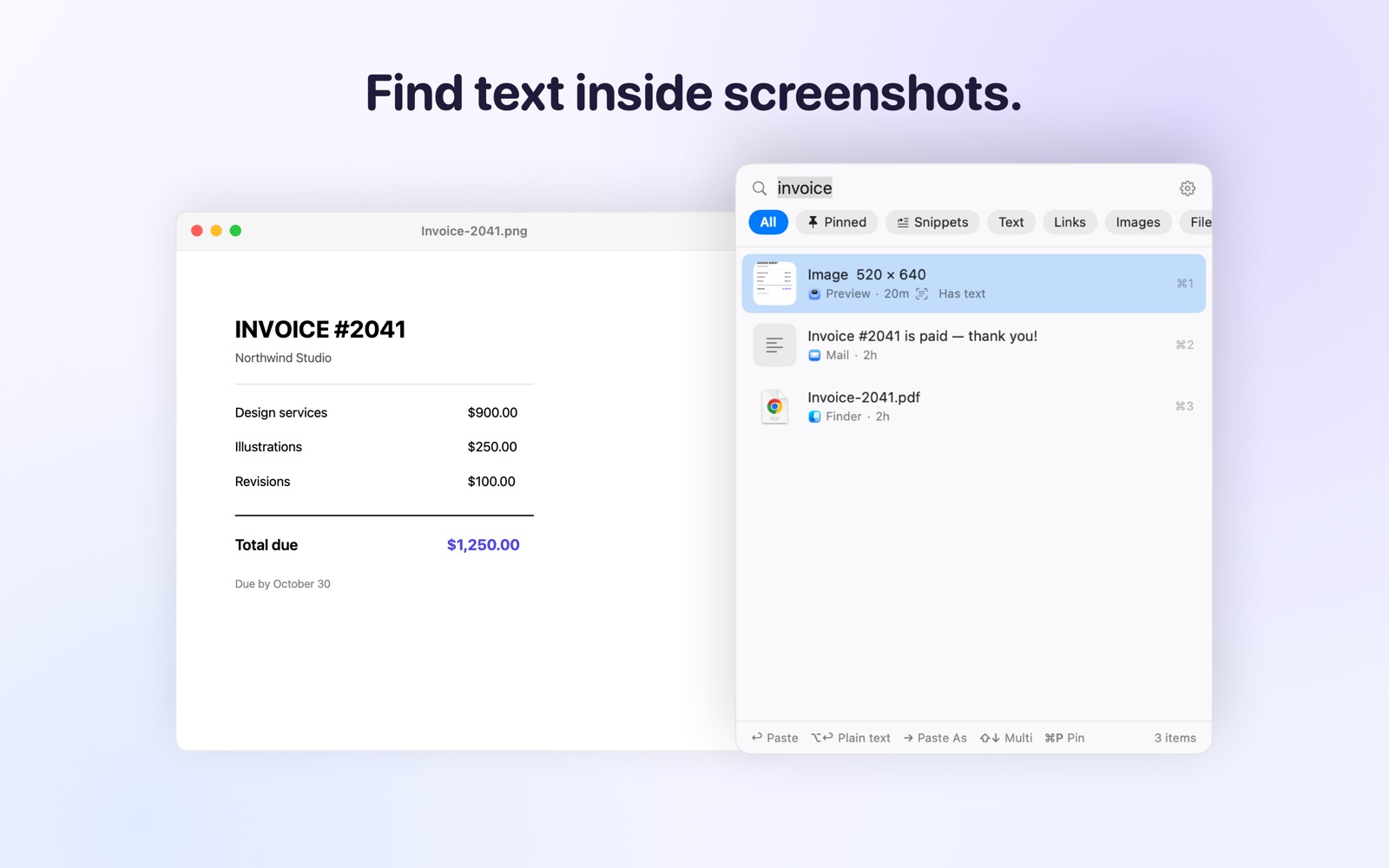
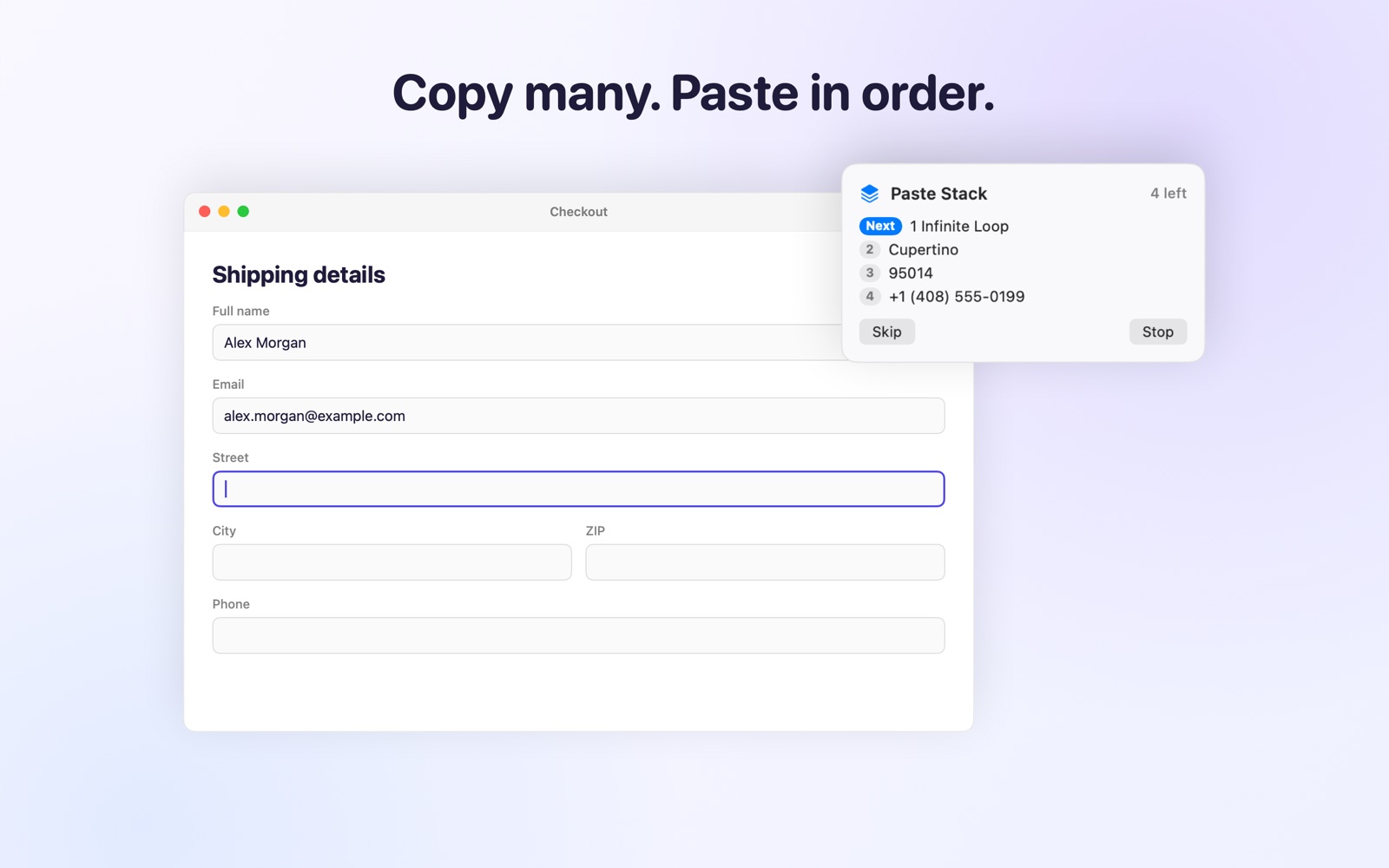
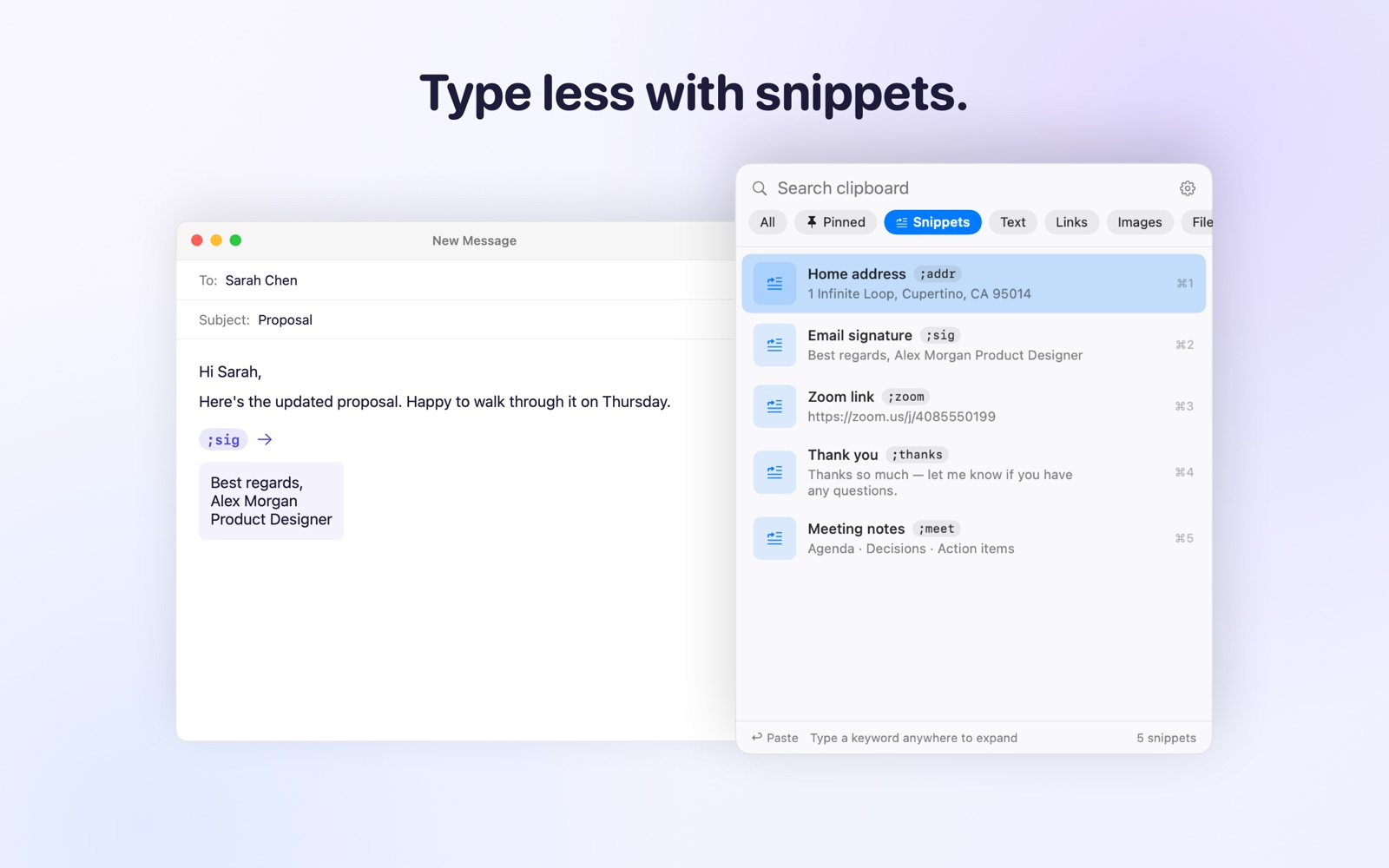
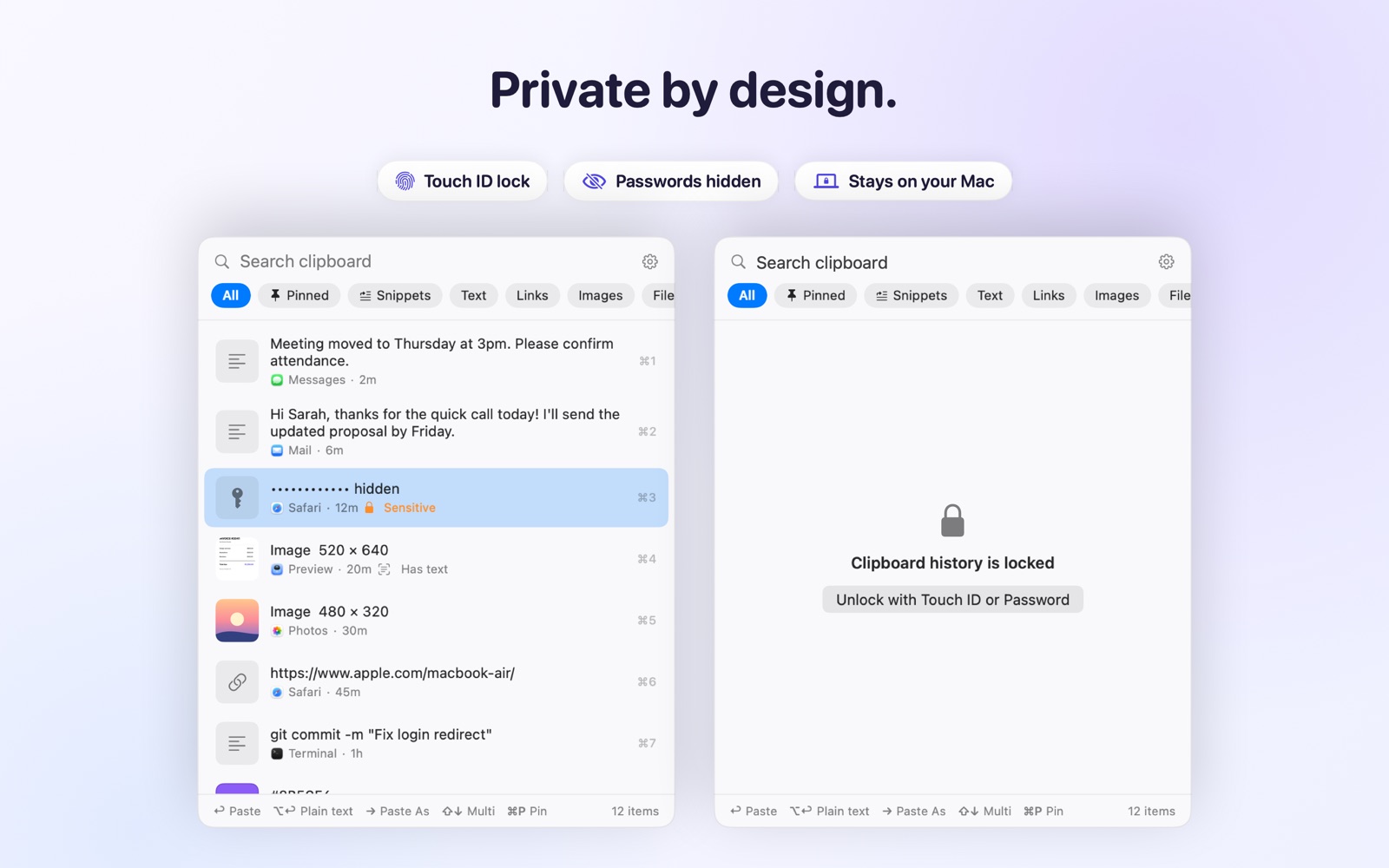
The built-in history is deleted after 7 days at most, can't pin items, has no lock and pastes one item at a time. Pastora keeps history as long as you want, pins favorites, searches text inside screenshots, has snippets, Paste Stack and an optional Touch ID lock.
Is my data private?
Yes. Everything stays on your Mac. There is no account, no cloud and no tracking. Passwords and card numbers are hidden and deleted after a few minutes, and copies from password managers are ignored. See the privacy policy.
Why does it ask for Accessibility access?
macOS requires it for an app to paste into other apps for you, and for snippets and Paste Stack. Pastora never records what you type: it only looks for snippet keywords, in memory, and saves nothing.
Which Macs are supported?
macOS 14 Sonoma or later, on Apple Silicon (M1 to M4) and Intel Macs.
Is this a subscription?
No. You pay $9.99 once and it is yours, including all 2.x updates.
macOS says it can't check the app the first time I open it
Open System Settings, go to Privacy & Security, scroll down and click "Open Anyway" next to Pastora. You only need to do this once.
Already bought it and lost the file?
Open the Gumroad page and use "Get your download link".
Where do I get help?
Email support@oneofbest.com. A real person answers.
 Pastora for Mac
 ⌘⇧V anywhere
Search screenshots
Stays on your Mac
⌘⇧V anywhere
Search screenshots
Stays on your Mac